Burn-in
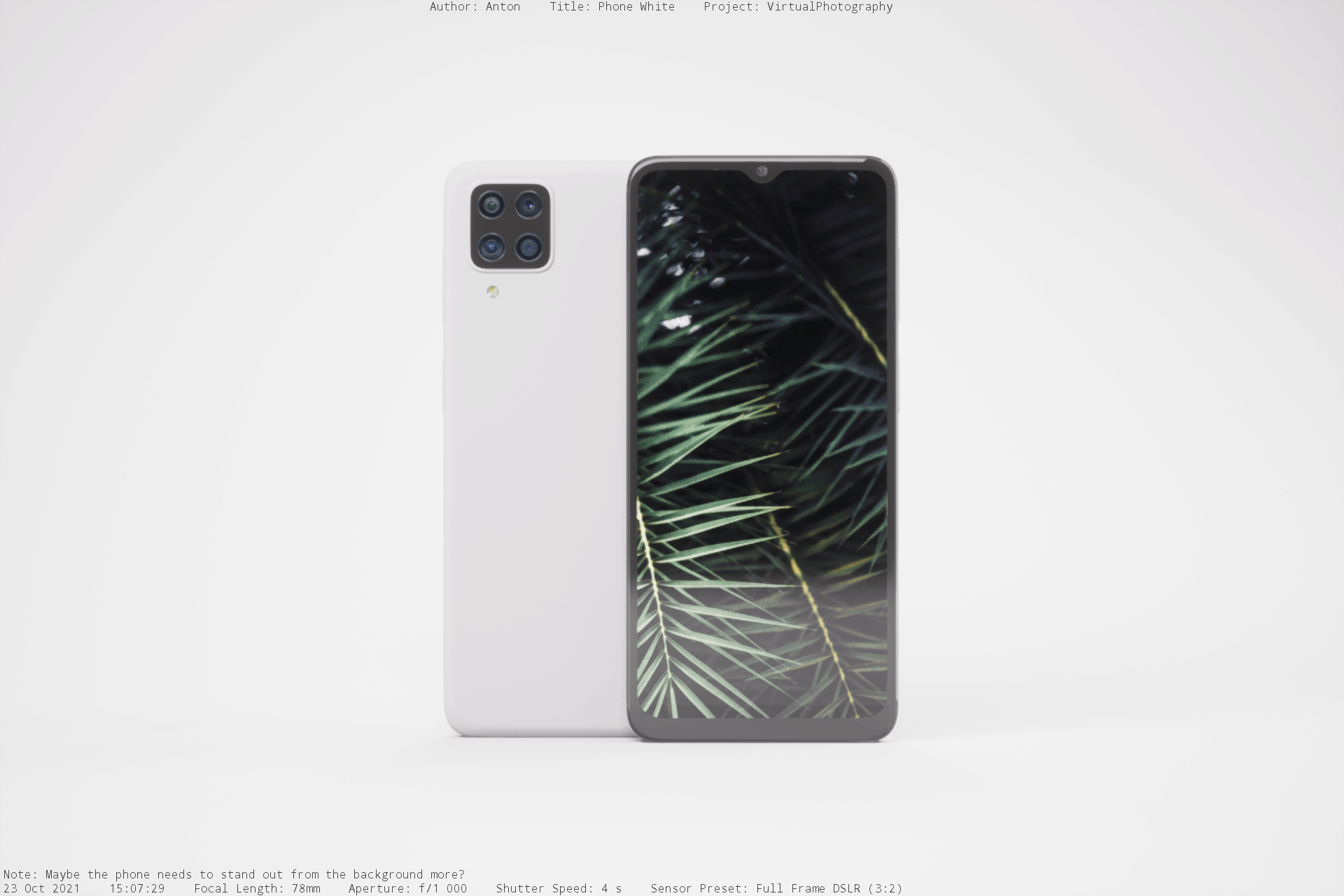
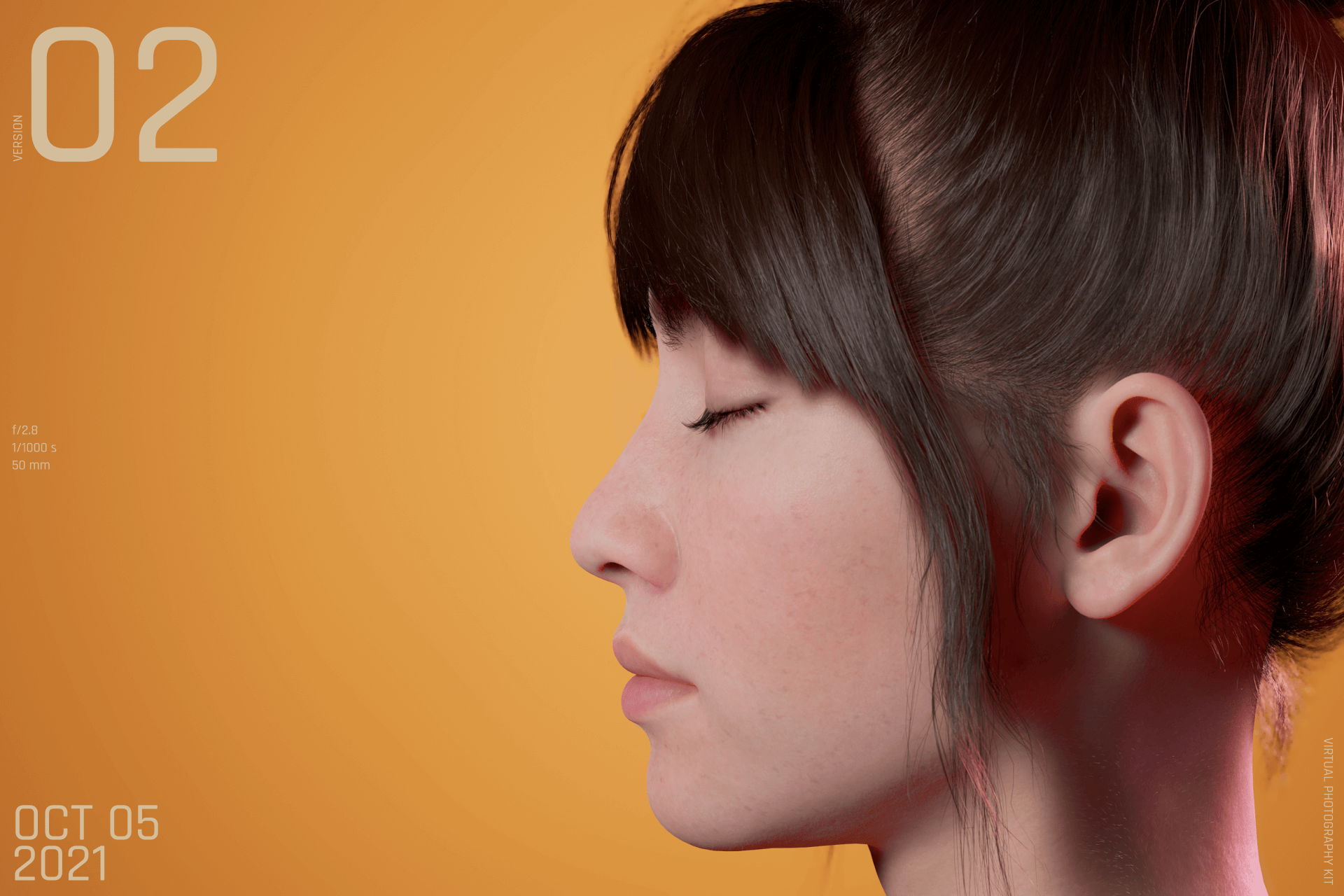
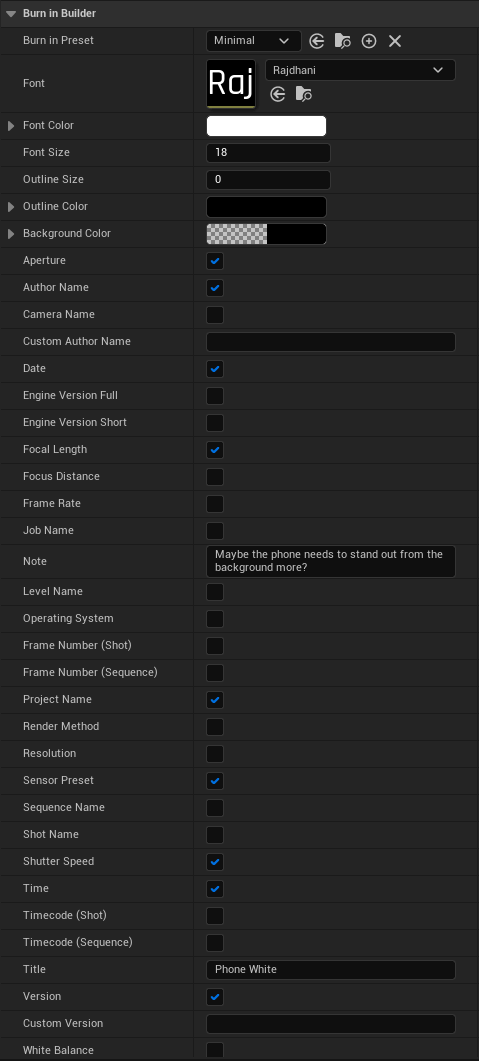
With the Burn-in blueprint you can add different kinds of data to your image. Version number, date, time, notes, and more. You drag and drop it into your scene and adjust the values to your liking and then just press render and it will automatically add it to your rendered image.
Minimal
Modern
Settings
caution
Burn-in doesn't work with the Video render preset at the moment. Use ImageSequence instead.
Burn-in doesn't work with the path tracer either at the moment. Use the Default render method instead.